
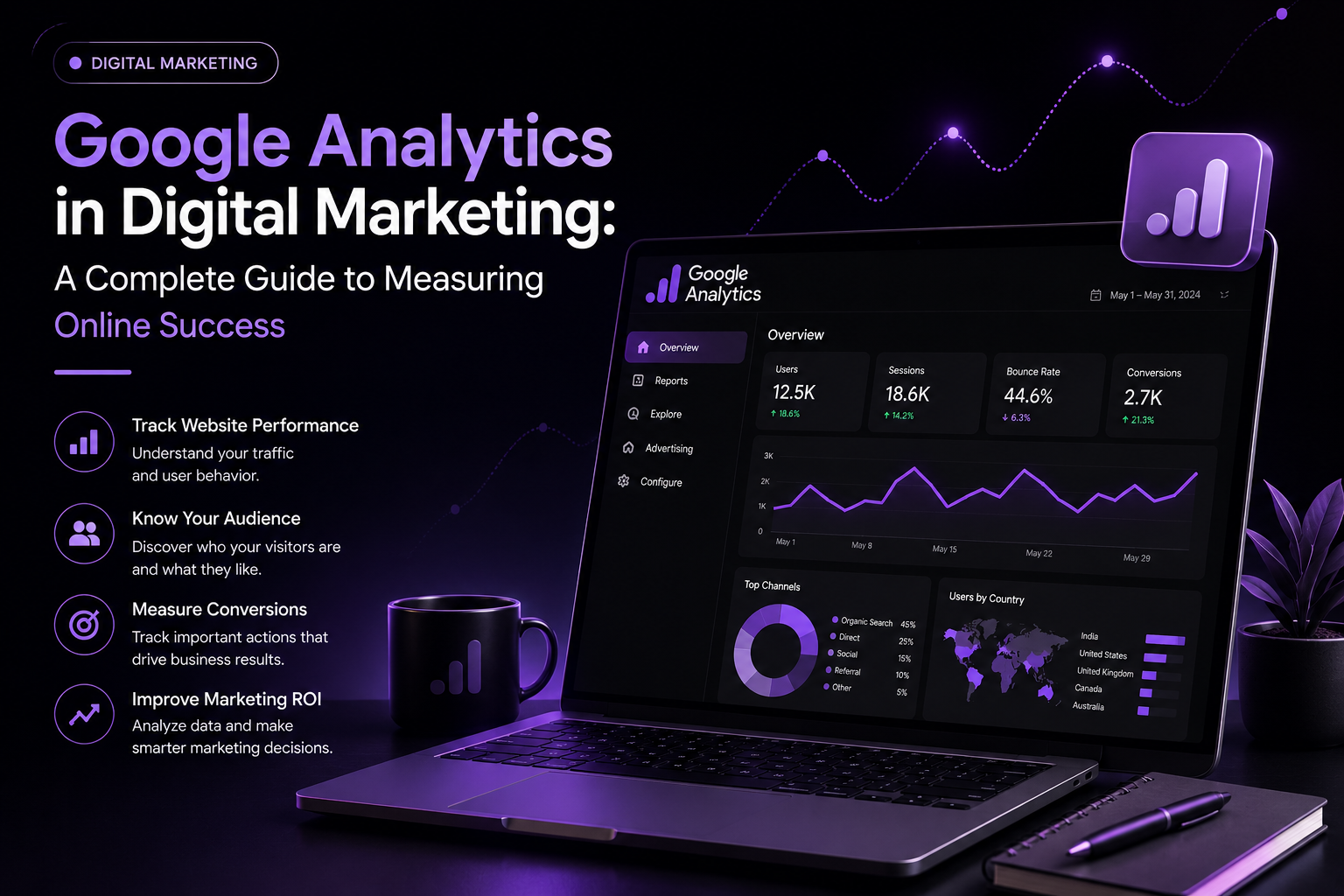
In the world of digital marketing, data plays an important role in making better business decisions. Businesses spend money on SEO, social media marketing, Google Ads, content marketing, and other online strategies. But how do you know whether these efforts are actually working?
This is where Google Analytics becomes valuable.
Google Analytics is a powerful analytics platform that helps businesses understand how people interact with their websites and apps. It provides useful information about visitors, traffic sources, user behavior, conversions, and marketing performance.
For digital marketers, understanding Google Analytics is an important skill because it helps turn website data into actionable marketing strategies.
What Is Google Analytics?
Google Analytics is a web analytics platform that collects and analyzes information about visitors and their interactions with a website or app.
It can help answer questions such as:
- How many people visit my website?
- Where are my visitors coming from?
- Which pages receive the most traffic?
- How long do users engage with my website?
- Which marketing channels bring valuable visitors?
- How many users complete important actions?
- Which campaigns generate the best results?
By answering these questions, marketers can understand what is working and what needs improvement.
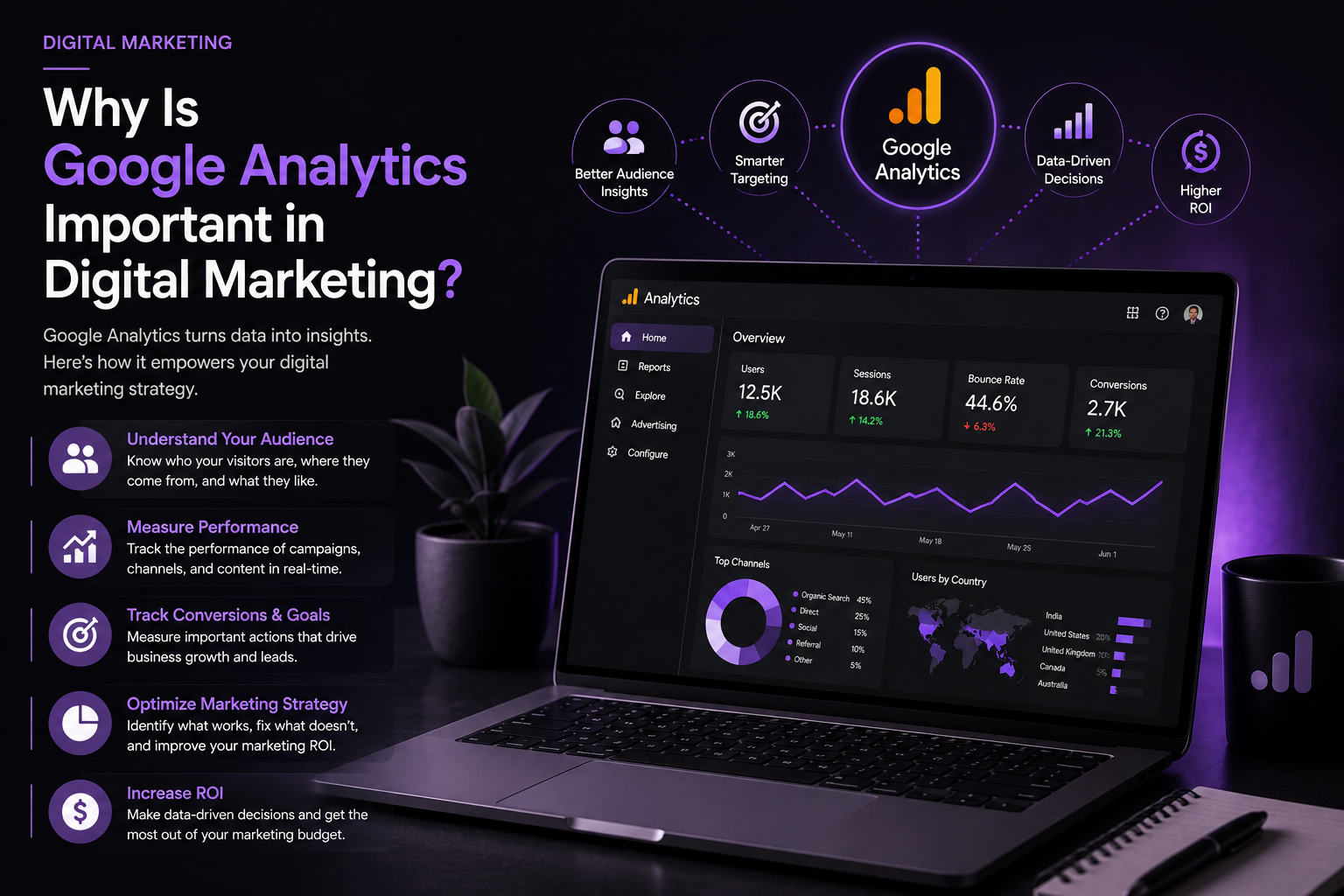
Why Is Google Analytics Important in Digital Marketing?
Digital marketing involves many different channels. A business may use SEO, social media, email marketing, paid advertising, and content marketing at the same time.
Without data, it can be difficult to determine which channels are contributing to business goals.
Google Analytics helps marketers measure performance and make data-driven decisions.
1. Understanding Website Traffic
One of the most important uses of Google Analytics is understanding website traffic.
Marketers can analyze where visitors come from, such as:
- Organic search
- Social media
- Paid advertising
- Direct traffic
- Referral websites
- Email campaigns
This information helps marketers identify which channels are attracting visitors to the website.
2. Measuring User Behavior
Getting visitors to a website is only the beginning.
Digital marketers also need to understand what visitors do after arriving.
Google Analytics can help analyze user interactions and engagement with website content. This can reveal which pages are performing well and where users may be losing interest.
For example, if a landing page receives thousands of visitors but very few users complete the desired action, the page may need improvement.
3. Tracking Conversions
Conversions are important in digital marketing because traffic alone does not necessarily generate business results.
Depending on the business, a conversion could be:
- Completing a purchase
- Submitting a contact form
- Signing up for a newsletter
- Requesting a quotation
- Registering for an event
- Downloading a resource
By tracking important actions, marketers can understand whether their digital marketing campaigns are achieving their objectives.
What Is Google Analytics 4?
Google Analytics 4 (GA4) is Google’s modern analytics platform designed to provide an event-based approach to measuring user interactions.
Instead of focusing only on pageviews and sessions, GA4 uses events to understand interactions.
Examples of events include:
- Page views
- Scrolls
- Clicks
- Video engagement
- Form interactions
- Purchases
This event-based approach gives digital marketers more flexibility when analyzing user behavior across websites and apps.
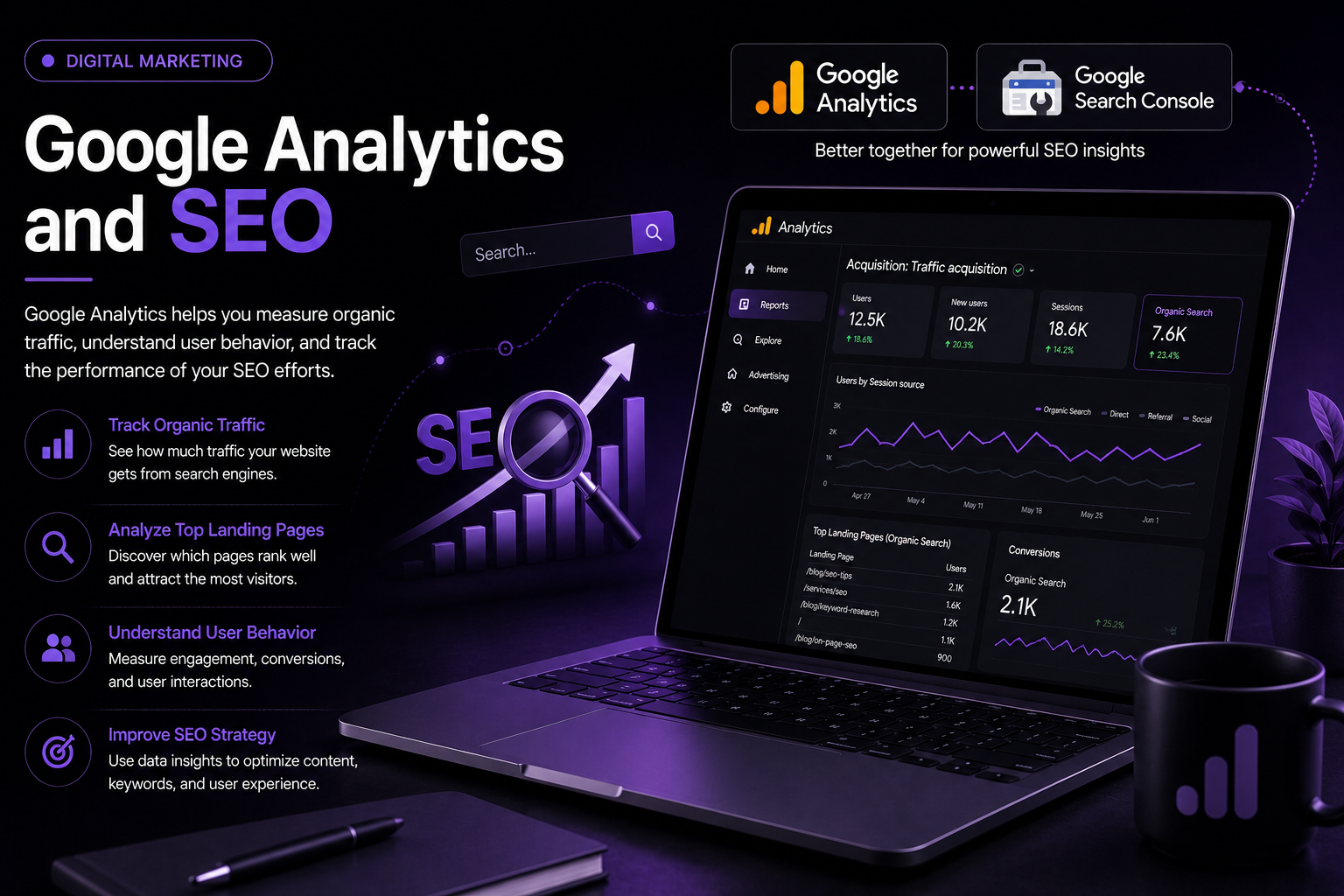
Google Analytics and SEO
SEO and Google Analytics work together to help marketers understand organic website performance.
SEO helps websites attract visitors from search engines, while analytics helps marketers understand what those visitors do after arriving.
For example, marketers can examine:
- Organic traffic
- Landing pages
- User engagement
- Conversions
- New and returning users
- Performance of important website content
For detailed search performance, Google Search Console can also be used alongside Google Analytics.
Combining these tools can provide a better understanding of organic search performance and website behavior.
Google Analytics for Social Media Marketing
Social media is another major part of digital marketing.
Businesses use platforms such as Instagram, Facebook, LinkedIn, and other social networks to drive awareness and website traffic.
Google Analytics can help marketers understand what happens after users arrive from social channels.
For example, a marketer can compare traffic and conversions generated through different campaigns.
Using properly configured campaign tracking can make this analysis even more useful.
Google Analytics for Paid Advertising
Businesses often invest significant budgets in paid advertising.
Google Analytics can help marketers evaluate what happens after users arrive from advertising campaigns.
Marketers can analyze campaign traffic, user engagement, conversions, and other important performance indicators.
This information can help businesses identify campaigns that are generating valuable results and optimize their marketing budget accordingly.
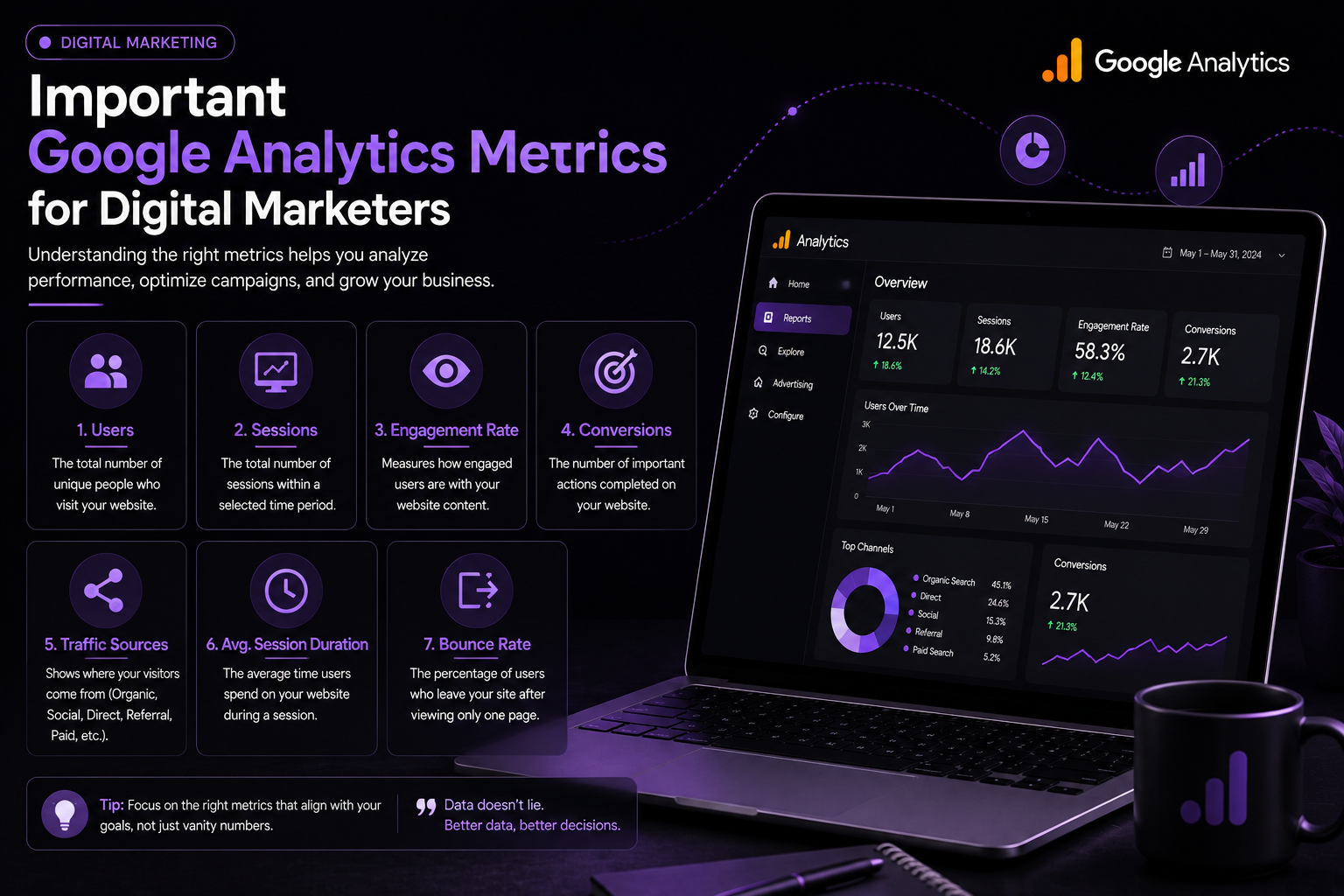
Important Google Analytics Metrics for Digital Marketers
Understanding important metrics is essential for using Google Analytics effectively.
Users
Users represent people who interact with your website or app during the measured period.
Sessions
A session represents a period of user interaction with a website or app.
Engagement
Engagement-related measurements help marketers understand whether users are meaningfully interacting with content.
Events
Events represent specific interactions or actions performed by users.
Conversions
Conversions represent important business actions that a marketer wants users to complete.
Traffic Sources
Traffic-source information helps marketers understand how users discovered or reached the website.
How to Use Google Analytics for Digital Marketing
Using Google Analytics effectively involves more than simply checking the number of visitors.
Step 1: Define Your Marketing Goals
Before analyzing data, decide what you want to achieve.
Your goal could be:
- Increasing sales
- Generating leads
- Increasing organic traffic
- Growing newsletter subscriptions
- Improving engagement
- Increasing product enquiries
Step 2: Identify Important Events and Conversions
Once your goals are clear, determine which user actions are important to your business.
These actions can then be measured and analyzed.
Step 3: Analyze Traffic Sources
Identify which marketing channels are bringing visitors to your website.
Compare organic search, social media, paid campaigns, referrals, and other sources.
Step 4: Analyze User Behavior
Look at how users interact with important pages and content.
If users consistently leave a particular page without completing an important action, investigate why.
Step 5: Make Data-Driven Improvements
The final step is turning data into action.
For example, if one marketing channel produces highly engaged users and another produces low-quality traffic, you may decide to adjust your strategy and budget.
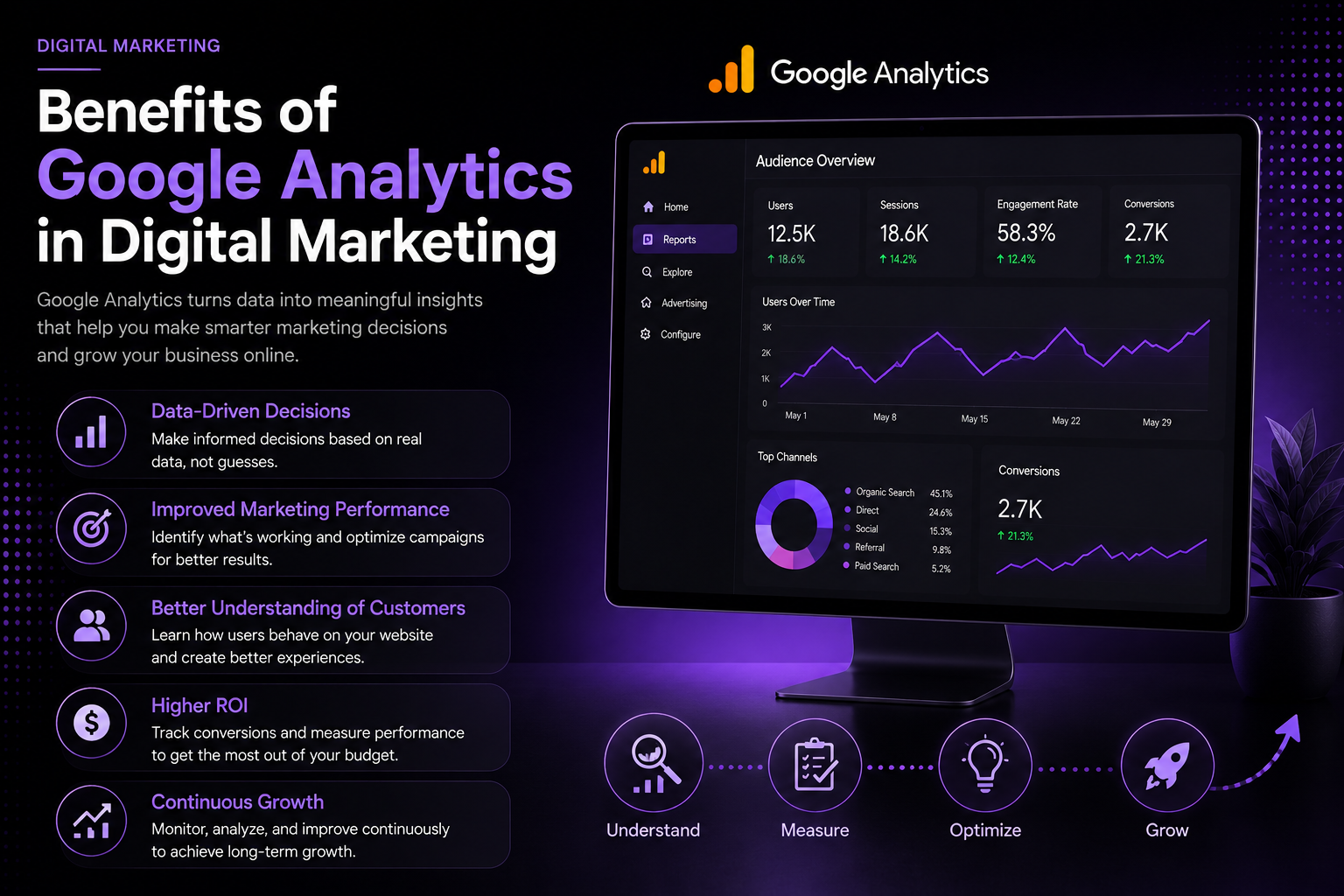
Benefits of Google Analytics in Digital Marketing
Using Google Analytics can provide several benefits for businesses and marketers.
Better Decision Making
Data can help marketers make decisions based on actual website behavior rather than assumptions.
Improved Marketing Performance
Analytics can reveal which channels and campaigns are producing valuable results.
Better Understanding of Customers
Understanding user behavior can help businesses create more relevant content and experiences.
Improved ROI
By measuring conversions and marketing performance, businesses can identify opportunities to use their marketing budget more effectively.
Continuous Optimization
Digital marketing is an ongoing process. Analytics allows marketers to continuously test, measure, learn, and improve.
Common Mistakes to Avoid
Although Google Analytics provides valuable data, incorrect interpretation can lead to poor decisions.
Some common mistakes include:
- Focusing only on traffic numbers
- Ignoring conversions
- Tracking too many unnecessary metrics
- Not defining clear marketing goals
- Failing to properly configure events
- Making decisions from very small amounts of data
- Not comparing performance over time
The goal should not be to collect as much data as possible. The goal is to collect and understand the right data.
The Future of Google Analytics in Digital Marketing
Digital marketing continues to become more data-driven. As businesses use more online channels, the ability to understand customer behavior becomes increasingly important.
Analytics tools can help marketers identify trends, measure campaigns, understand audiences, and improve customer experiences.
For digital marketing professionals, learning Google Analytics is therefore a valuable skill. It can complement SEO, social media marketing, performance marketing, content marketing, and other digital strategies.
Conclusion
Google Analytics is an important tool in digital marketing because it helps businesses understand what happens on their websites and measure the effectiveness of their online strategies.
From analyzing website traffic and user behavior to tracking conversions and evaluating marketing campaigns, analytics provides valuable information for making smarter decisions.
However, successful digital marketing is not about simply looking at numbers. The real value comes from understanding the data and using it to improve your strategy.
Whether you are a business owner, digital marketer, SEO professional, or student learning digital marketing, developing your Google Analytics skills can help you become more data-driven and effective in the digital world.
Frequently Asked Questions
- What is Google Analytics in digital marketing?
Google Analytics is an analytics platform that helps digital marketers measure website and app interactions, understand user behavior, and evaluate marketing performance.
- Why is Google Analytics important for digital marketing?
It helps marketers understand traffic sources, user engagement, conversions, and campaign performance so they can make data-driven decisions.
- What is GA4?
GA4, or Google Analytics 4, is Google’s modern analytics platform that uses an event-based measurement model to understand user interactions.
- Can Google Analytics help with SEO?
Yes. Google Analytics can help marketers understand organic traffic and user behavior on landing pages. Search Console can complement it with search-performance data.
- Is Google Analytics useful for beginners?
Yes. Beginners can start by learning basic concepts such as users, sessions, events, conversions, traffic sources, and reports, and gradually move into more advanced analysis.
SEO Title: Google Analytics in Digital Marketing: Complete Guide
Meta Description: Learn how Google Analytics helps digital marketers track website traffic, user behavior, conversions, SEO performance, and marketing campaigns.
Suggested URL Slug: /google-analytics-in-digita